Recover Data using Account Link
[Recover Data using Account Link]
[1] Sending Save Data from an origin device
[2] Collecting sent transfer data on a new device
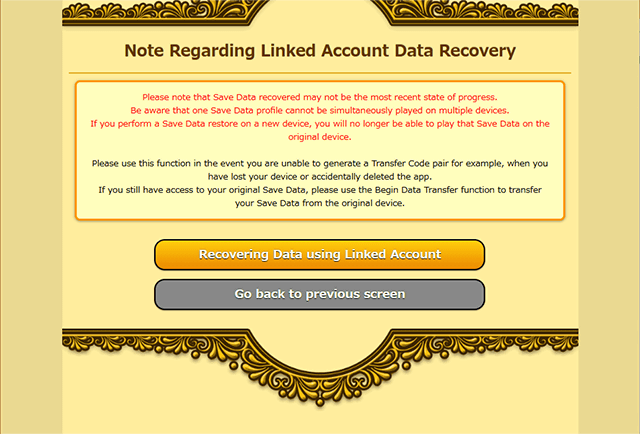
[Note Regarding Linked Account Data Recovery]
※ Please note that there will be a 90-day wait period from the second Data Transfer performed using Account Link.
※ Be aware that one Save Data profile cannot be simultaneously played on multiple devices.
※ Please note that Save Data recovered may not be the most recent state of progress.
※ You will no longer be able to play using transferred Save Data on the original device.
※ PONOS will not assume responsibility for data lost due to network error, device error, or user error, and cannot provide a guarantee that data will be transferred without error.
[1] Sending Save Data from an origin device
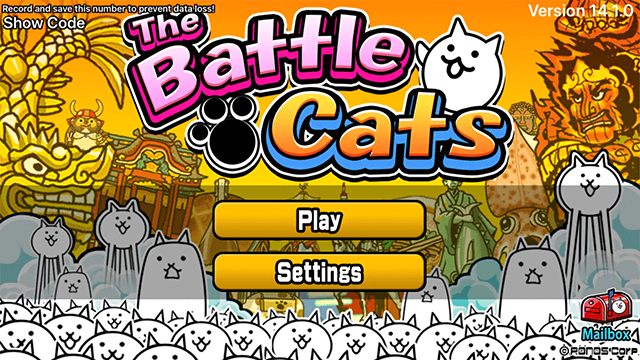
1. Select "Settings" from the Title screen.
2. Select "Change Account/Device" from the Settings screen.
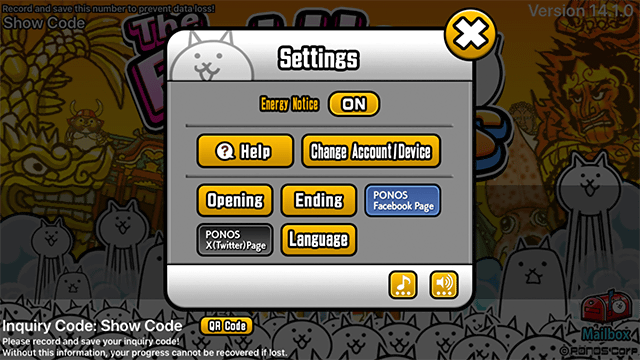
※ The screenshot is from an iOS device. Android devices may vary slightly.
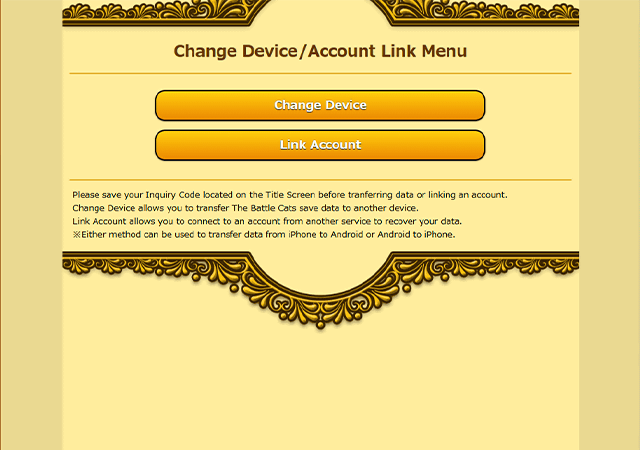
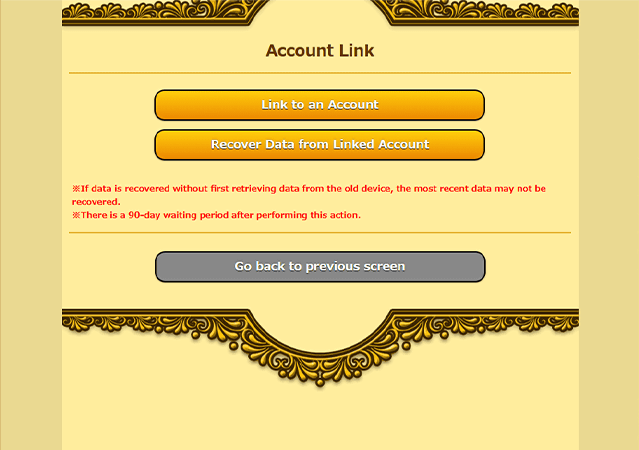
3. Carefully read the information displayed regarding Save Data Transfer. If you acknowledge the terms, then select "Link Account" from the Change Device screen.
4. Select "Retrieve Data from Old Device" on the Change Device Menu.
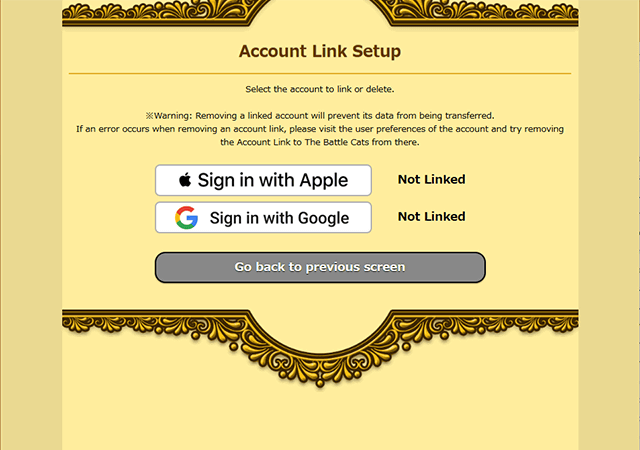
5. After confirming all information displayed on the Account Link Setup menu, select Sign in with Apple or Sign in with Google as appropriate.
※ Sign In will complete when you change from an unlinked state to link with an account.
[2] Collecting sent transfer data on a new device
1. Select "Settings" from the Title screen.
2. Select "Change Account/Device" from the Settings screen.
※ The screenshot is from an iOS device. Android devices may vary slightly.
3. Carefully read the information displayed regarding Save Data Transfer. If you acknowledge the terms, then select "Link Account" from the Change Device screen.
4. Select "Recover Data from Linked Account" on the Change Device Menu.
5. Select "Recovering Data using Linked Account" after confirming all information displayed on the Linked Account Data Recovery menu.
6. After confirming all information displayed on the Account Link Setup menu. menu, select Sign in with Apple or Sign in with Google as appropriate.
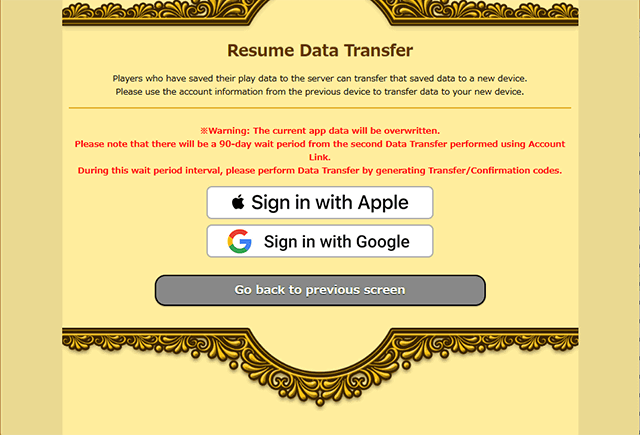
7. Confirm all information displayed on the Complete Data Transfer menu, and select "Restore from previous save data".
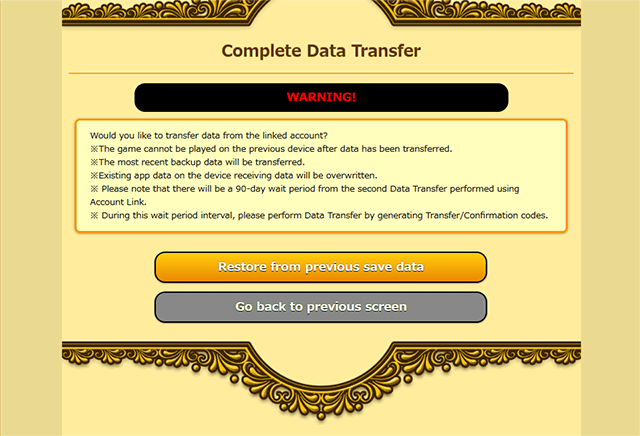
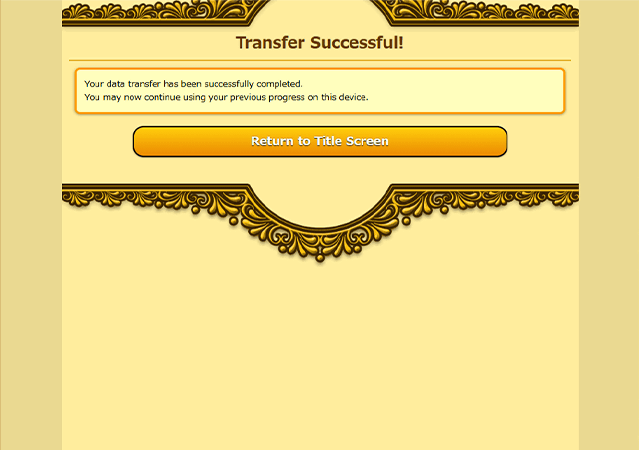
8. Your transfer will complete shortly. Confirm the information displayed, then select "Return to Title Screen".